
Open a single file for a quick thought, or a folder for a larger project. Start writing without importing your notes.
LOCAL FIRST. IDEAS FORWARD.
Your ideas, in full flow.
A Markdown editor crafted for smooth editing and focused writing.
Local-first, with visual and source editing. Your AI assistant can use the official Skill to open, save, and export documents in MarkFlowy.
- macOS
- Windows
- Linux
- Markdown
- Open source
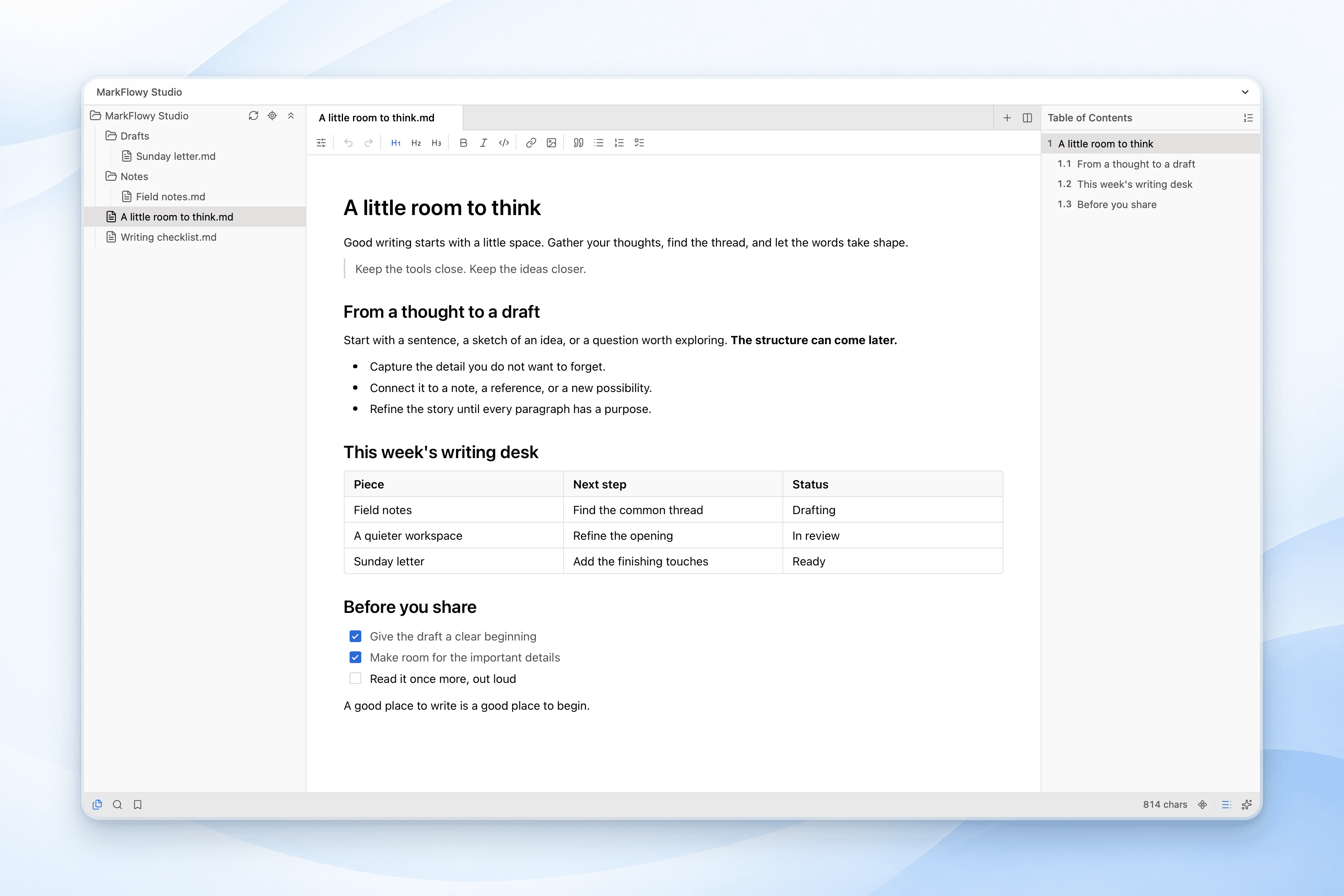
YOUR LOCAL WORKSPACE
A folder for everything taking shape.
Open a local folder to bring notes, drafts, and project files together. Browse your files, follow the document outline, and keep writing in the same window.
Try onlineSINGLE-FILE MODE
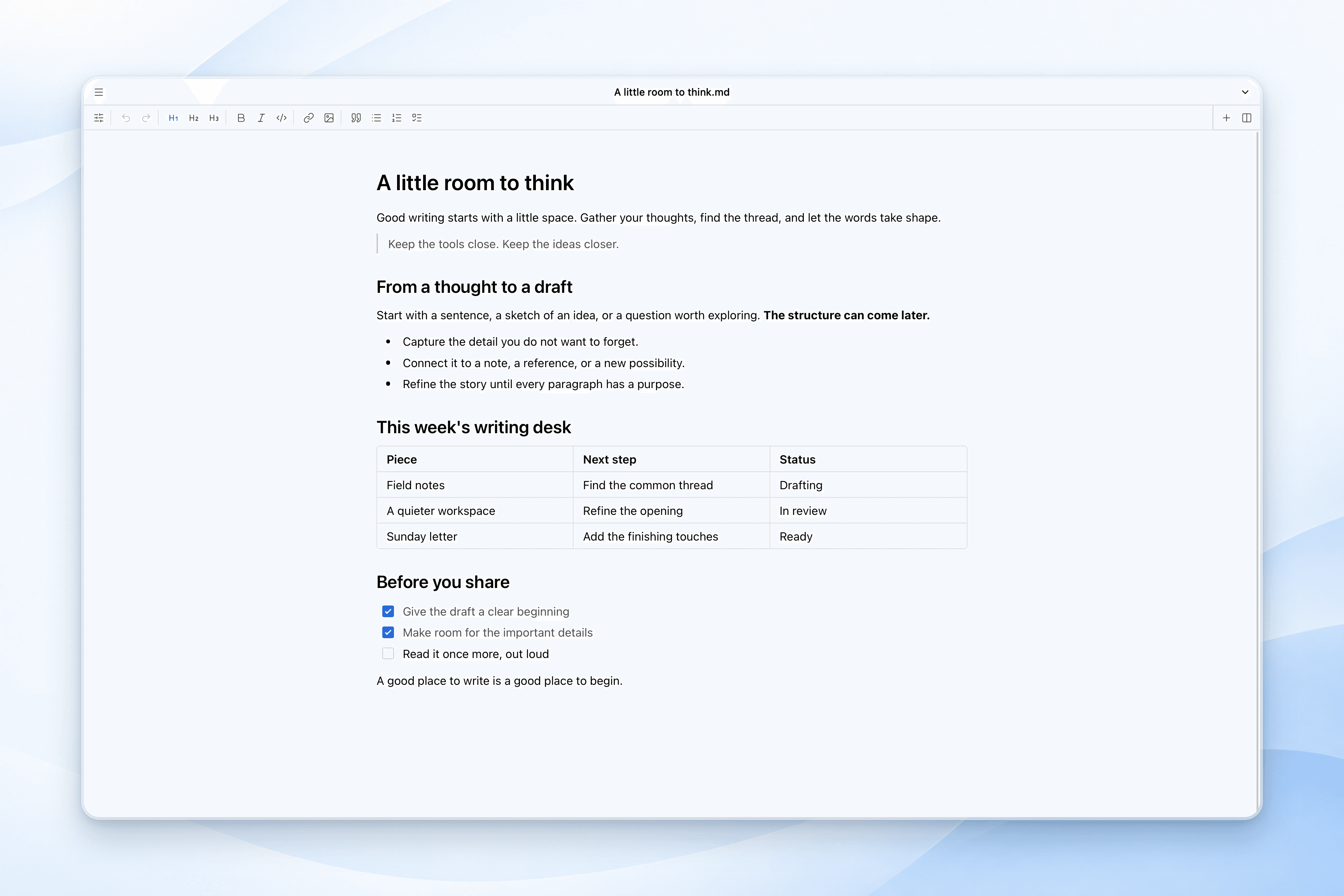
One file. Your full attention.
Open a Markdown file and start writing. No workspace setup required, with the same editor tools ready when you need them.
Open a file and begin
Work directly with a local document, or start a new note and save it where it belongs.
Keep the page quiet
A compact title bar leaves room for your words. Click the document name to rename it.
Add a folder when you need one
Open a local folder when one note becomes a project. Your familiar writing tools come with you.
THOUGHTFULLY CONNECTED
Everything your writing needs. Nothing in its way.
From a quick note to a long document, build a writing flow that feels like your own.
Markdown, the way you think.
Write visually or get closer to the source. Work with Markdown, JSON, and plain text in one familiar space.
Explore the editor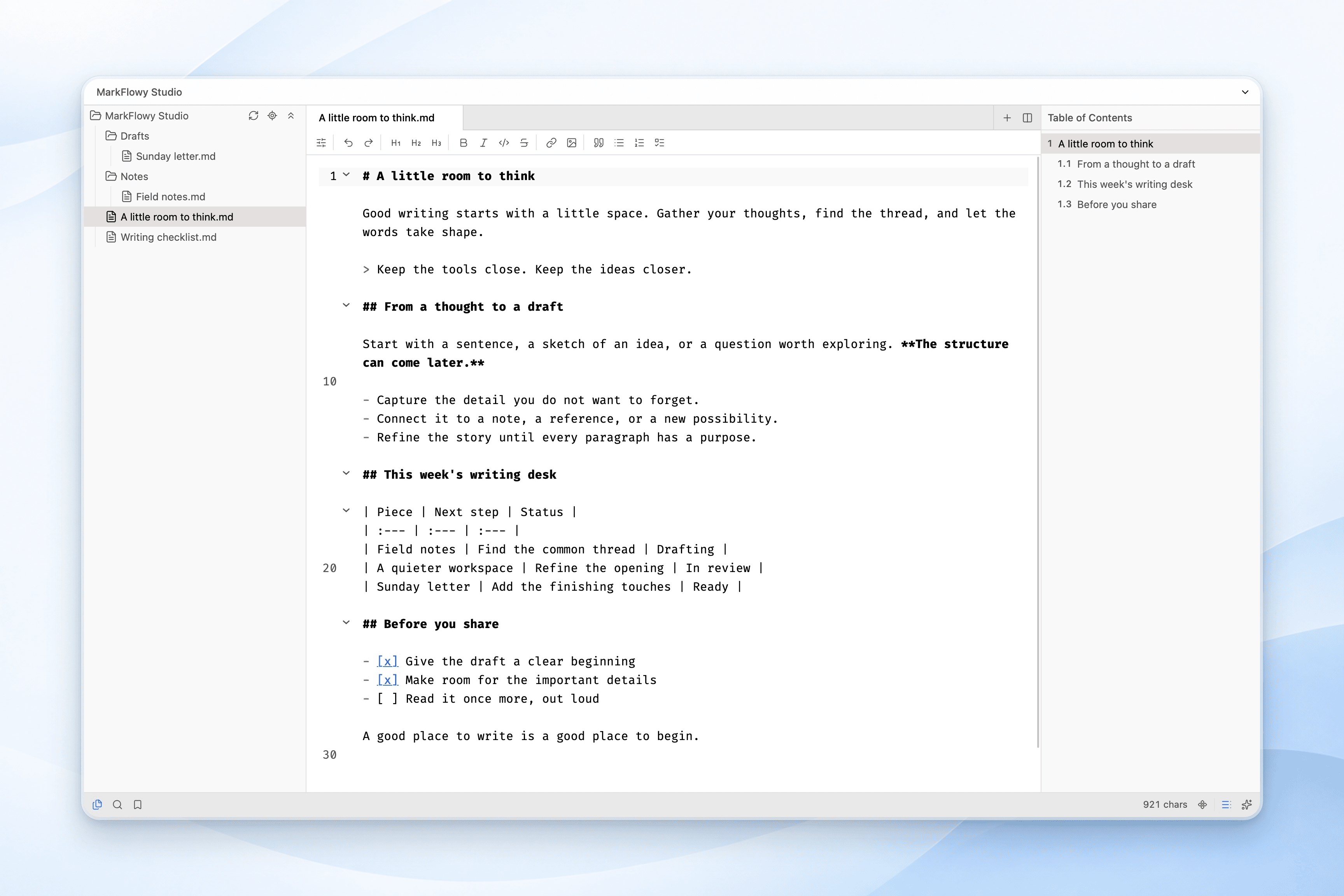
High performance for longer drafts.
Optimized loading and rendering make large documents smoother to open, scroll through, and edit. Work directly with files in your own folders.
Read the introductionA little help, when you need it.
Bring your own AI service for conversations, summaries, and translation, or connect a local model with Ollama.
Set up local AI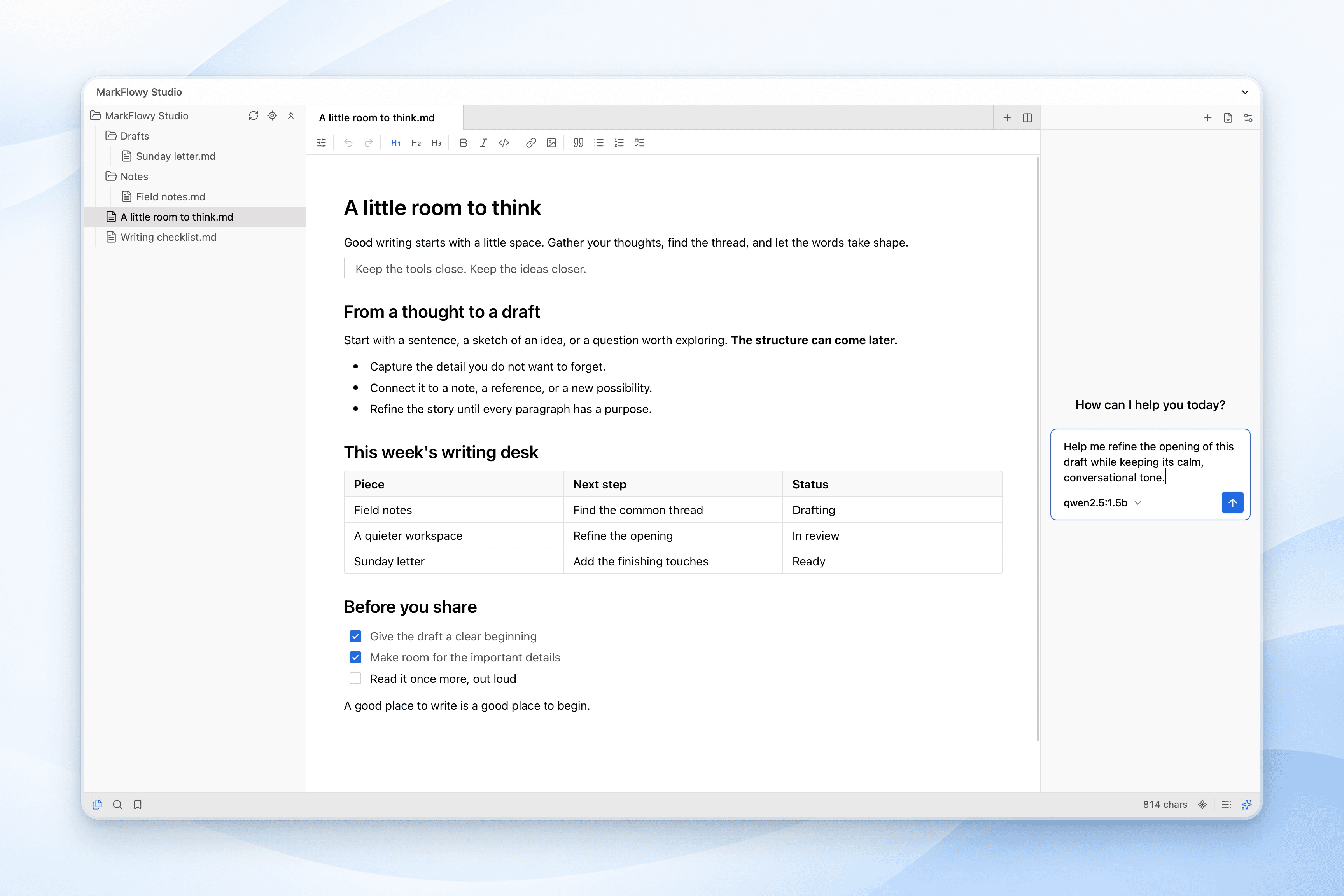
Make yourself at home.
Choose your theme, set your shortcuts, and settle into a distraction-free space that works for you.
Explore customizationBold text⌘ B
Focus on writing⌘ ⇧ F
Find a command⌘ ⇧ P
FROM THOUGHT TO FINISHED
One space. Your whole writing flow.
Use headings and the outline to shape your draft. Switch between visual and source editing, with optional AI for summaries and translation.
Keep your Markdown files, export HTML or an image, or save a PDF through the system print dialog. Take your writing wherever it needs to go.
Built in the open, growing together
Small contributions. Lasting progress.
A star, a download, a contribution. MarkFlowy grows with people who care about writing and open source.
- GitHub Stars
- 2.3k+
Public GitHub data · Updated Downloads include stable installers and update packages.
BUILT IN THE OPEN
Better, together.
MarkFlowy grows with the people who use it. Read the code, share an idea, report a bug, or help shape what comes next.
View all contributors Made possible by our contributors


Your next idea starts here.
A little more focus. A lot more flow.